
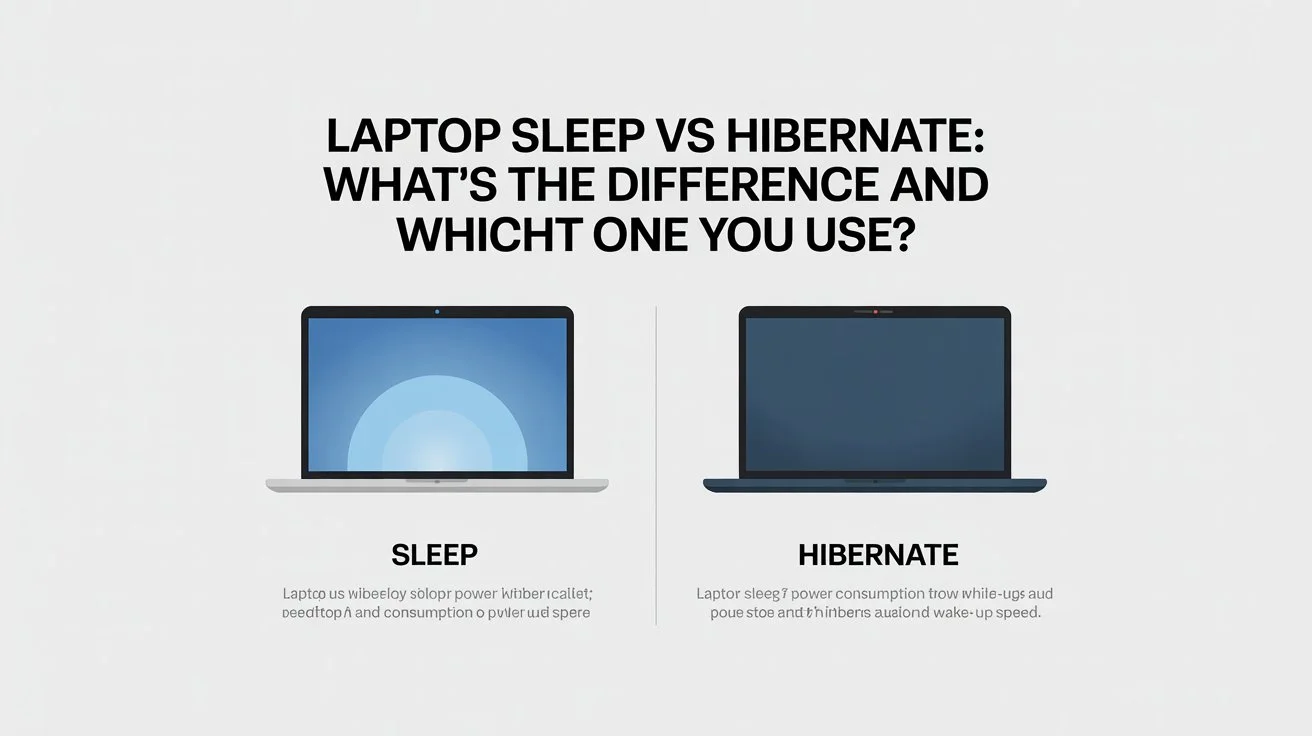
Sleep and Hibernate are two power-saving modes on a laptop, but they work differently in how they manage power and save your work. When comparing laptop sleep vs hibernate, sleep mode keeps your system in a low-power state for instant resume, while hibernate saves your session to disk and shuts down almost completely, using nearly zero battery.
If you need a quick break, Sleep is the better option. But if you want to save battery for longer periods or overnight, Hibernate is the smarter choice.
Many users ask whether sleep mode drains battery overnight, and the exact answer is yes, it still uses a small amount of power.
I realized this after leaving my laptop in sleep mode overnight and finding the battery almost drained the next morning. That’s when I started testing laptop sleep vs hibernate in real-world usage.
Sleep = fast but uses some battery, while Hibernate = slower but saves almost no power.
Sleep vs Hibernate: Key Differences
In simple terms, sleep mode focuses on speed and convenience, while hibernate focuses on saving battery and preserving your work during longer breaks.
| Feature | Sleep Mode | Hibernate |
|---|---|---|
| Power usage | Uses a small amount of power | Uses almost no power |
| Resume time | Wakes up instantly | Takes a few seconds |
| Data stored in | RAM | Hard drive / SSD |
| Best for | Short breaks | Long breaks |
| Battery usage | Slight battery drain | Saves more battery |
What Is Hibernate Mode on a Laptop?
Hibernate mode is a power-saving feature designed for longer periods of inactivity. When a laptop enters hibernate, it saves your open files, apps, and current session to the SSD or hard drive, then powers off almost completely.
When you turn the laptop back on, everything usually restores exactly where you left off, so you can continue working without reopening programs or browser tabs.
Many users ask does hibernate use battery or does hibernate consume battery. In normal use, hibernate uses almost no battery because the system is nearly shut down. For example, on a Windows laptop left in Hibernate overnight, the battery often stays almost the same by morning, while Sleep mode may lose several percent charge.
I noticed this myself after leaving one laptop in Sleep mode overnight and waking up to a lower battery level. After switching to Hibernate, the battery drop was barely noticeable the next day.
Because of this, Hibernate is one of the best options when leaving your laptop unused for several hours, overnight, or while traveling.
What Sleep Mode Really Does on a Laptop?
Sleep mode is not the same as turning your laptop off. It places the system in a low-power state while keeping your open apps, files, and current session stored in memory (RAM).
Your screen goes dark, the fan usually stops, and most background activity pauses. Because your work stays in memory, the laptop can wake up quickly when you open the lid or press the power button.
Here’s a common situation
You’re working, get up to grab a coffee, and close the lid. When you come back, everything is still there — the same browser tabs, the same document, and no long restart time.
That’s the biggest advantage of Sleep mode.
The part many users miss is that sleep mode still uses battery power. Since memory remains active, the laptop continues using a small amount of energy in the background.
For example, a laptop left in Sleep mode overnight may lose several percent battery by morning, especially on some Windows 11 laptops using modern standby.
Microsoft also explains that Sleep mode uses power while allowing the PC to resume quickly.
How Hibernate Works in Real Life?
Hibernate works in a quieter way.
Instead of keeping things in memory, the laptop saves everything to the hard drive or SSD and then shuts down almost completely. No background activity. No power drain.
How it feels in real use?
You finish work late, unplug the charger, and choose Hibernate. The next day, you turn the laptop on and your work opens right where you left it. But the battery hasn’t dropped overnight.
Microsoft explains that hibernate uses less power than sleep because the system isn’t staying active in memory.
Laptop Sleep vs Hibernate: The Difference That Matters in Real Life
On paper, the difference sounds technical. In real life, it’s very simple.
Sleep is about convenience. Hibernate is about safety.
Sleep wakes up fast, but it keeps the laptop slightly alive. Hibernate takes a bit longer to start, but it protects your battery and your work.
That’s why a laptop left in sleep mode overnight often loses charge, while one in hibernate usually doesn’t. How-To Geek also explains this clearly in its guide on sleep vs hibernate in Windows laptops.
Sleep or Hibernate: Which One Should You Use?
Choosing between sleep and hibernate mostly depends on how long you plan to leave your laptop unused.
Sleep mode is best for short breaks. It keeps your session active in memory, so your laptop wakes up almost instantly when you open the lid. This makes it convenient if you are stepping away for a few minutes or moving between tasks during the day.
Hibernate is better for longer periods of inactivity. It saves your open files and applications to the hard drive and then powers the laptop off almost completely. Because of this, it uses almost no battery and protects your work even if the battery runs out.
In everyday use, many people rely on sleep mode during the day and switch to hibernate when they are finished using the laptop for several hours or overnight.
Why Battery Still Drains in Sleep Mode?
This confuses a lot of people.
Sleep mode still needs power because memory needs power. On top of that, some things don’t fully shut down. Background apps. Connected USB devices. Sometimes even network features.
For example, leaving a wireless mouse plugged in overnight can slowly drain the battery. It doesn’t feel logical, but it happens.
It’s normal behavior, not a fault.
Does Sleep Mode Use Internet or Wi-Fi?
Most of the time, no.
But some laptops allow limited background activity during sleep. Email syncing. System checks. Update preparation.
If you want absolutely nothing happening in the background, hibernate is the safer option.
Can Downloads Continue in Sleep Mode?
No. They pause.
Once the laptop goes to sleep, active downloads stop. They continue only after the laptop wakes up again.
Hibernate stops everything completely until you power the laptop back on.
Why Does the Laptop Wake Up by Itself Sometimes?
This is surprisingly common.
It can happen because of system updates, mouse movement, or certain network settings. It looks strange, but it’s usually just how the system is configured.
It’s rarely a hardware issue.
Is It Okay to Leave a Laptop in Sleep Mode Overnight?
If the laptop is plugged in and sitting on a desk, Sleep mode is usually fine for overnight use.
However, if the laptop is running on battery, placed inside a bag, or left unplugged for long hours, Hibernate is usually the better option. Sleep mode still uses a small amount of power to keep your session active in memory, so battery drain can continue overnight.
When comparing which saves more battery, hibernate is the clear winner because it saves your open files to the SSD or hard drive and then powers off almost completely.
For many users, Sleep mode is best for short breaks, while Hibernate is safer for overnight use, travel, or longer periods of inactivity.
Is Hibernate Bad for the Laptop or SSD?
No. That’s an old myth.
Modern SSDs are designed to handle this easily. Hibernate does not damage your laptop or reduce its lifespan.
Does Using Sleep or Hibernate Slow the Laptop Down?
Not directly.
But if you use sleep mode for days without restarting, the system can feel sluggish. Apps pile up. Memory gets messy. A restart usually fixes it right away.
Sleep vs Hibernate in Windows 11
In Windows 11, Sleep and Hibernate behave differently due to modern standby. Sleep mode no longer fully pauses your system.
Sleep mode:
- Keeps your session in RAM
- Allows background activity (updates, sync)
- Wakes instantly
- Can drain battery over time
Hibernate mode:
- Saves your session to disk
- Turns off the system almost completely
- Uses almost no battery
Windows 11 Sleep vs Hibernate (Comparison Table)
|
Feature |
Sleep (Windows 11) |
Hibernate (Windows 11) |
|
Power Usage |
Medium (battery drain) |
Very Low |
|
Wake Time |
Instant |
Slower (5–15 sec) |
|
Background Activity |
Yes |
No |
|
Data Storage |
RAM |
SSD / Hard Drive |
|
Best For |
Short breaks |
Long breaks / overnight |
Quick Insight
Sleep mode in Windows 11 can drain 5–10% battery overnight.
Use Sleep for short breaks
Use Hibernate for longer or overnight use
Sleep vs Hibernate in Windows 10 (Differences Explained)
Windows 10 uses a more traditional approach, so Sleep mode is more stable and uses less battery compared to Windows 11.
Sleep mode:
- Stores data in RAM
- Uses low power
- Wakes quickly
Hibernate mode:
- Saves data to disk
- Uses zero power
- Slower to resume
Windows 10 Sleep vs Hibernate (Comparison Table)
|
Feature |
Sleep (Windows 10) |
Hibernate (Windows 10) |
|
Power Usage |
Low |
Almost Zero |
|
Wake Time |
Instant |
Slower |
|
Background Activity |
Minimal |
None |
|
Stability |
High |
Very High |
|
Best For |
Short–medium breaks |
Long breaks |
Key Difference
- Windows 11 Sleep → more battery drain
- Windows 10 Sleep → more stable & efficient
When to Use
Windows 11: Hibernate for overnight
Windows 10: Sleep works fine for most cases
What Happens If the Battery Dies in Sleep Mode?
If the battery dies while the laptop is sleeping, unsaved work can be lost. Memory needs power to hold data.
Hibernate avoids this completely because everything is already saved to disk.
Sleep vs Hibernate vs Shutdown: Which One Should You Use?
Each one has its place.
Sleep is for short breaks.
Hibernate is for long breaks.
Shut down is for a fresh start.
There’s no single right answer. It depends on how you use your laptop.
What I Do Personally?
During the day, I use Sleep. It’s quick and convenient.
At night or while traveling, I always use Hibernate. It saves battery and removes the stress of opening a dead laptop.
Once you stop treating these options as interchangeable, laptop power management becomes much easier.
Conclusion
Sleep and Hibernate both serve different purposes, and choosing the right one depends on how you use your laptop. Sleep is best for short breaks when you need quick access, while Hibernate is ideal for saving battery during longer periods of inactivity.
If you often leave your laptop unused for hours or overnight, Hibernate is the better option. For quick tasks and short pauses, Sleep offers more convenience.
Frequently Asked Questions
Does Sleep Mode damage a laptop battery?
No, sleep mode does not damage a laptop battery. However, it still uses a small amount of power because the system keeps your current session stored in memory. Over long periods, this can slowly drain the battery, which is why hibernate is often better when the laptop will not be used for several hours.
Is it safe to carry a laptop in sleep mode inside a bag?
It is usually not recommended. When a laptop stays in sleep mode inside a bag, it can sometimes wake up due to system activity or device movement. This may cause heat buildup and battery drain. Hibernate or shutting down the laptop is generally safer when carrying it in a bag.
Does restarting the laptop affect sleep or hibernate performance?
Yes, restarting the laptop occasionally can improve overall system performance. If a laptop stays in sleep mode for many days without a restart, background processes and memory usage may accumulate, which can make the system feel slower.
Do MacBooks use the same sleep and hibernate system as Windows laptops?
Not exactly. MacBooks use a feature called Safe Sleep, which stores data in memory and also saves a copy to disk. This approach helps reduce battery drain while still allowing the laptop to wake up quickly.

