
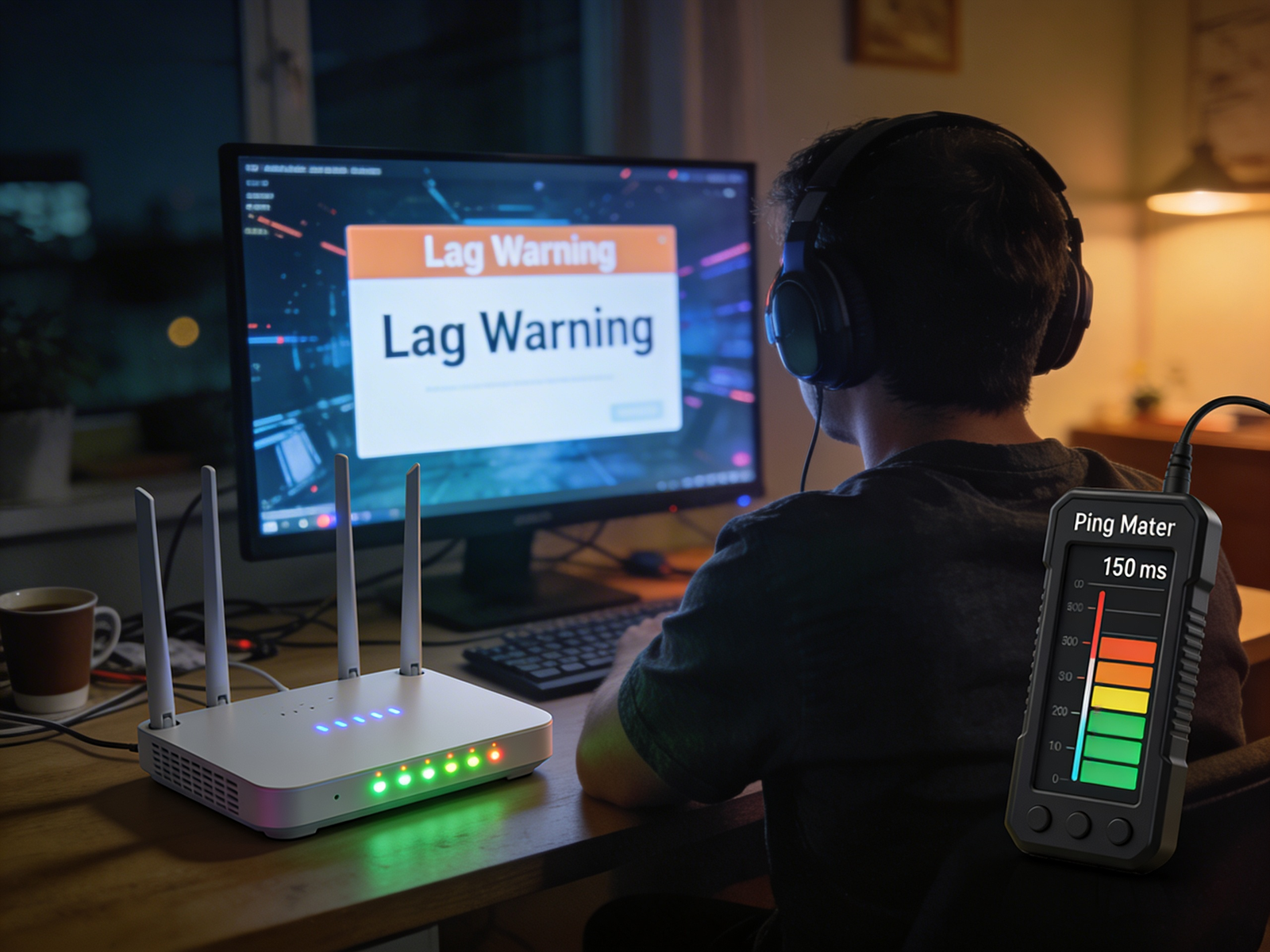
Many gamers assume that having a fast internet connection automatically guarantees smooth online gameplay. You might run a speed test and see excellent download and upload speeds, yet games still feel laggy or unresponsive. This often leads to a confusing situation where your internet seems fast, but your ping remains unusually high.
The reason is simple: internet speed and ping are two different aspects of network performance. While speed measures how much data can be transferred, ping measures how quickly that data travels between your device and the game server. Even with fast internet, factors like server distance, network congestion, WiFi interference, or routing issues can increase latency and cause noticeable lag.
Understanding why ping is high even with fast internet can help you diagnose gaming problems more effectively. This guide is based on common networking principles used in home networks and online gaming environments. We’ll explain what ping really means, the most common reasons it becomes high, and practical steps you can take to reduce latency and improve your online gaming experience.
Why Ping Is High Even With Fast Internet?
Ping can be high even with fast internet because latency depends on factors such as server distance, routing paths, WiFi interference, and network congestion. In many cases, gamers experience high ping but fast internet, which means the connection has enough bandwidth but poor latency.
What Is Ping and Why It Matters in Online Gaming?
Ping is a measurement of network latency, which represents the time it takes for data to travel from your device to a server and back again. It is measured in milliseconds (ms), and lower numbers indicate faster communication between your device and the game server.
For online gaming, ping is one of the most important factors affecting gameplay responsiveness. When ping is low, your actions in the game are registered almost instantly. However, when ping is high, there is a delay between your input and what happens in the game.
Typical gaming ping ranges:
0–20 ms – Excellent performance
20–50 ms – Very good for most games
50–100 ms – Playable but may cause slight delay
100+ ms – Noticeable lag and slower reactions
Even if your internet speed is high, poor latency can still make online games feel slow and inconsistent.
Internet Speed vs Ping: Why Fast Internet Doesn’t Guarantee Low Latency
Many people believe that increasing internet speed automatically improves gaming performance. However, internet speed (measured in Mbps) and ping serve entirely different purposes.
Internet speed refers to bandwidth, which determines how much data your connection can handle at once. Ping, on the other hand, measures response time, or how quickly data travels between your device and the server.
Most online games require only a small amount of bandwidth—often between 3 Mbps and 25 Mbps. Because of this, having extremely fast internet does not always reduce ping.
High latency is usually caused by factors like network routing, physical distance to servers, or wireless interference rather than raw internet speed.
How to Check Your Ping and Network Latency?
Before trying to fix high ping, it’s important to measure your actual network latency. Checking your ping helps you understand whether the delay is caused by your home network, your internet provider, or the game server itself.
Here are a few practical ways to test your ping and network latency.
1. Check Ping Inside the Game
Many online multiplayer games show network statistics that include ping and packet loss.
Steps:
- Open your game settings.
- Look for Network, Performance, or Gameplay settings.
- Enable Network Stats or Latency Display.
- Start an online match and watch the ping value.
Example:
- 20–40 ms → Excellent connection
- 40–70 ms → Good performance
- 70–100 ms → Noticeable delay
- 100+ ms → High ping or lag
If your ping is already high inside the game, the issue may be related to server distance or network routing.
2. Run an Internet Speed Test
Speed test tools measure latency, download speed, and upload speed at the same time. This helps you determine whether your connection itself is stable.
Steps:
- Close background downloads or streaming apps.
- Open a browser and visit a speed test website.
- Run the test and look at the ping or latency value shown in milliseconds.
If the latency is low in the speed test but high in the game, the problem may be related to game servers or routing paths.
3. Use the Command Prompt Ping Test (More Accurate)
You can also measure latency directly from your computer using a simple command.
Steps for Windows:
- Press Windows + R
- Type cmd and press Enter
- In the command prompt, type:ping google.com
Press Enter and wait for the results.
You will see values such as:
Reply from 142.250.xx.xx: time=18ms
The time value shows your network latency.
Typical results:
- 10–30 ms → Excellent connection
- 30–60 ms → Normal for most home networks
- 60–100 ms → Slight delay
- 100+ ms → Possible network problem
Running this test multiple times can help identify whether the latency is stable or fluctuating.
4. Test Ping at Different Times of the Day
Network congestion can affect latency during peak hours.
Try running the same ping test:
- in the morning
- in the evening
- late at night
If ping becomes higher during evening hours, the issue may be caused by network congestion in your ISP’s infrastructure.
5. Compare WiFi vs Ethernet Latency
Another useful test is comparing wireless and wired connections.
Steps:
- Run a ping test while connected to WiFi.
Connect your device using an Ethernet cable.
Run the same ping test again.
If the Ethernet connection shows significantly lower latency, the issue is likely caused by WiFi interference or signal strength.
Running multiple tests at different times of the day can help identify whether the issue is caused by network congestion, routing problems, or server distance.
7 Reasons Why Ping Is High Even With Fast Internet
Server Distance and Network Routing
If the game server is located far from your location, data packets must travel a longer path across the internet. This increased distance usually results in higher latency and higher ping during online gameplay.
For example, connecting to a nearby regional server often gives ping around 20–50 ms, which is ideal for most online games. However, if the game connects you to a far-away server, ping can increase to 120–200 ms or more, causing noticeable lag.
Typical distance impact on ping
- Nearby server → 10–40 ms
- Moderate distance → 40–80 ms
- Far server → 80–120 ms
- Very distant server → 120–200+ ms
For the best gaming experience, it’s recommended to choose the closest available server region whenever possible.
WiFi Interference or Weak Signal
Wireless connections are more vulnerable to interference from walls, other devices, and nearby networks. In typical gaming setups, the router may be placed in another room, which can weaken the WiFi signal and increase latency during online games.
Network Congestion During Peak Hours
Internet traffic often increases during evening hours when many people are online. Many gamers notice that their ping becomes higher during peak hours because the network infrastructure is handling more traffic.
Background Downloads or Multiple Devices
When multiple devices use the same internet connection, they share the available bandwidth. In many home networks, gaming devices compete with streaming apps, downloads, and smart devices, which can increase latency and cause higher ping during online games.
Example:
If someone in your home is downloading a large game update or streaming 4K video, your gaming device may experience delays in sending and receiving data packets. Even if your internet speed is high, this network activity can temporarily increase ping.
For smoother gameplay, it’s recommended to pause heavy downloads or limit other network activity while gaming, especially on shared home networks.
Router Hardware or Configuration Issues
Older routers or incorrect network settings can create delays in packet transmission. Firmware updates and better configuration can sometimes improve latency.
ISP Routing Problems
Sometimes the issue is not within your home network but with your internet service provider. Inefficient routing paths can increase latency between your connection and the game server. For example, data may travel through multiple intermediate servers before reaching the game server, which increases overall latency.
Game Server Performance
Game servers themselves may become overloaded or unstable. When this happens, high ping can occur even if your own internet connection is working perfectly.
Why Ping Sometimes Spikes Suddenly
Sometimes ping remains stable but suddenly increases during gameplay. These sudden spikes can be frustrating because the connection may appear normal most of the time.
In many cases, ping spikes happen due to temporary network congestion, background downloads, or unstable WiFi signals. For example, if another device on the network starts downloading a large update while you are playing, the router may prioritize that traffic and delay gaming packets.
Interference from nearby wireless networks or temporary ISP routing changes can also cause short bursts of high latency.
Because of this, occasional ping spikes do not always mean your internet connection is slow. They are often caused by short-term network conditions.
Does Faster Internet Actually Reduce Ping?
Faster internet speeds can sometimes improve network stability, but they do not always reduce ping. Latency depends more on the quality of the network path rather than the available bandwidth.
For example, upgrading from a slow connection to a moderate-speed connection might reduce latency slightly. However, upgrading from 300 Mbps to 1 Gbps usually makes little difference for gaming ping.
Instead of focusing solely on speed, gamers should pay attention to network stability, routing efficiency, and server location
How to Fix High Ping Even With Fast Internet
If you are experiencing high ping despite having fast internet, several practical steps may help improve latency. Many gamers search for how to fix high ping in games, and the solutions often involve improving network stability rather than increasing internet speed.
- Use a wired Ethernet connection instead of WiFi
- Connect to the closest available game server
- Restart or reset your router periodically
- Close background downloads and streaming apps
- Enable QoS (Quality of Service) settings on your router
- Update router firmware for better performance
These adjustments can significantly reduce latency in many home networks.
Best Internet Setup for Low Ping Gaming
For the best gaming performance, a stable network setup is more important than extremely high internet speed.
Key factors that help reduce ping include:
- using Ethernet instead of WiFi
- choosing a reliable router
- connecting to nearby servers
- minimizing network interference
Fiber internet connections can also provide lower latency than some other technologies because they transmit data using light signals.
When High Ping Is Not Your Fault
Sometimes high ping occurs due to external factors outside your control. Game server outages, maintenance, or regional server overload can temporarily increase latency for many players at once.
In such cases, the best solution is simply to wait until the server issue is resolved.
FAQ
Why is my ping high but my internet speed is good?
High ping usually occurs because of latency-related factors such as server distance, WiFi interference, network congestion, or routing issues rather than internet speed.
Does internet speed affect gaming ping?
Internet speed has only a limited impact on ping. Most games require relatively little bandwidth, so latency is usually influenced by network quality rather than speed.
What ping is considered good for gaming?
Ping below 50 ms is generally considered good for online gaming, while anything above 100 ms may cause noticeable lag.
Does WiFi increase ping compared to Ethernet?
Yes, WiFi connections often introduce additional latency due to signal interference and wireless transmission delays.
Conclusion
High ping can still occur even when your internet connection appears fast. This is because gaming latency depends on many factors beyond raw internet speed, including server distance, network routing, and wireless interference. By understanding these causes and optimizing your network setup, you can significantly reduce latency and enjoy a smoother online gaming experience.

