
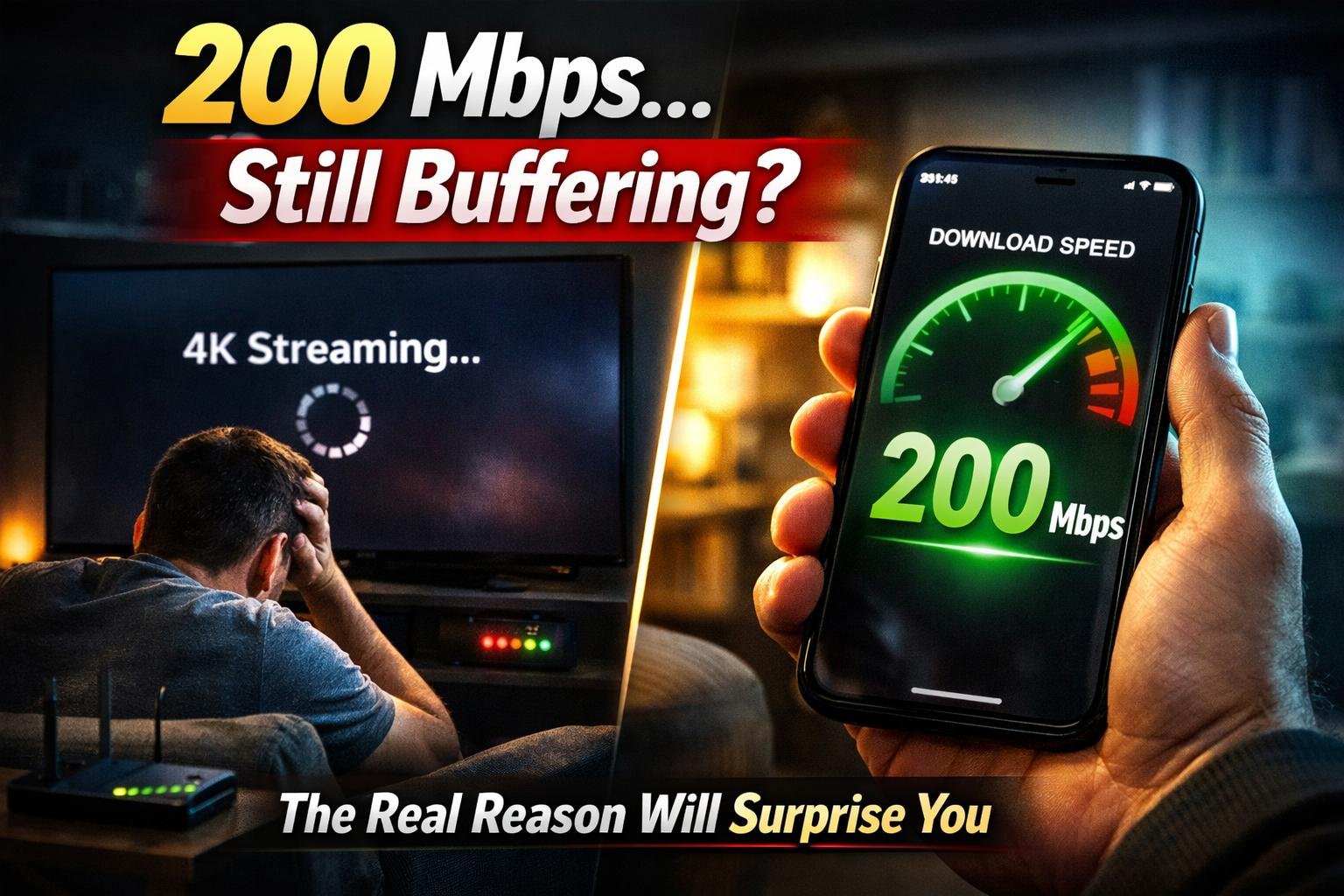
Yes, 200 Mbps is more than enough for Netflix, even for 4K streaming.In fact, it’s far beyond what Netflix actually requires. But here’s the part most people don’t understand:
If Netflix is buffering on a 200 Mbps connection, your internet speed is not the real problem.
The issue is usually how that speed is delivered to your device, and that’s where things start to break down.
How Much Internet Speed Does Netflix Really Need?
Most users assume that faster internet automatically means better streaming quality. That’s only partially true.
Netflix has obvious bandwidth requirements:
- Standard Definition (SD) → 3 Mbps
- High Definition (HD) → 5 Mbps
- 4K Ultra HD → 15–25 Mbps
This figure means:
Even a 50 Mbps connection can handle 4K streaming on a single device under normal conditions, since Netflix typically requires only 15–25 Mbps for 4K (as per the Netflix Help Center).
So when you have a 200 Mbps plan, you’re already operating at 8–10 times the required speed for Netflix. If you are considering a faster upgrade, compare 200 Mbps vs 500 Mbps internet to see when extra speed is actually useful for larger homes, gaming, and multiple devices.
So, why does buffering still occur?
What Does 200 Mbps Actually Mean?
Before making any assumptions, it’s crucial to understand the true meaning of “200 Mbps.
It is the maximum bandwidth capacity your internet connection can deliver under ideal conditions.
But in real-world home environments, your actual experience depends on multiple factors:
- Distance from your router
- Type of connection (WiFi vs Ethernet)
- Number of connected devices
- Interference and physical obstacles
- Network congestion
So in reality: 200 Mbps (plan speed) ≠ 200 Mbps (device speed)
This gap is precisely where most streaming problems begin.
Why Netflix Buffers Even on 200 Mbps (Real Reasons Explained)
Let’s go deeper; this is where most articles stay shallow, but this is what actually affects your experience.
1. WiFi Signal Loss (The #1 Cause)
In most homes, the router is not placed in an ideal position.
Typical setup:
- Router in one room
- TV in another room
- Walls, furniture, and doors in between
If you’re using 5GHz WiFi (which most modern routers default to):
- It offers high speed
- But has very poor range through walls
Result:
- Near router → 150–200 Mbps
- 1–2 rooms away → 20–50 Mbps
That drop is enough to cause buffering spikes, especially in 4K streaming.
2. Speed Test vs Real Streaming (Big Misconception)
Speed tests can be misleading.
Here’s why:
- Speed tests connect to nearby, optimized servers
- Netflix streams from distributed content delivery networks (CDNs)
This process creates a difference in:
- Routing paths
- Latency
- Stability
So you might see:
- Speed test → 200 Mbps
- Netflix → buffering or quality drop
This doesn’t mean your internet is slow — it means your connection quality is inconsistent.
3. Peak Hour Congestion (Evening Slowdowns)
If your Netflix buffers mostly at night, peak-hour congestion is likely the reason.
During peak hours (typically 7 PM to 11 PM):
- Many users in your area are online
- Your ISP’s network becomes congested
Even if your plan is 200 Mbps:
- Your real-time performance can fluctuate
- Streaming may become unstable
This is especially common in densely populated areas.
4. Multiple Devices Sharing Bandwidth
Your internet connection is shared across all devices in your home.
Typical usage includes the following:
- Smartphones
- Laptops
- Background app updates
- Cloud backups
Even if you have 200 Mbps, bandwidth is dynamically divided.
So if multiple devices are active:
- Netflix may not get consistent bandwidth
- Buffering or quality drops can occur
5. Device Limitations (Often Ignored)
Sometimes the problem isn’t your internet — it’s your device.
Examples:
- Older Smart TVs with weak WiFi receivers
- Budget streaming devices with limited processing power
- Apps running in the background
These factors can limit performance even on fast connections.
Real Home Scenario (What Actually Happens)
Let’s combine everything into a realistic situation:
👉 A typical household setup:
- Router placed in a bedroom
- Smart TV in the living room
- 3–5 devices connected
- Streaming during evening hours
👉 Result:
- WiFi signal loss
- Network congestion
- Bandwidth sharing
= Netflix buffering
This is why many users feel the following:
“I have fast internet, but streaming is still slow.”
How to Fix Netflix Buffering (What Actually Works)
Instead of generic advice, let’s focus on practical solutions that make a real difference.
1. Use Ethernet Instead of WiFi
This is the most effective improvement you can make.
- Direct wired connection
- No signal loss
- Stable and consistent speed
Ideal for:
- Smart TVs
- 4K streaming
- Gaming consoles
If your TV supports Ethernet, this single change can eliminate most buffering issues.
2. Optimize Router Placement
Router placement has a giant impact on performance.
Best practices:
- Place the router in a central location
- Keep it elevated (not on the floor)
- Avoid placing it near walls or inside cabinets
Even a small adjustment can significantly improve signal quality.
3. Choose the Right WiFi Band
Modern routers offer two bands:
- 5GHz → faster but shorter range
- 2.4GHz → slower but more stable over distance
If your TV is far from the router:
Use 2.4GHz for better stability.
4. Reduce Network Load
To improve streaming performance:
- Pause large downloads
- Disconnect unused devices
- Limit background updates
This ensures Netflix gets consistent bandwidth.
5. Upgrade Your Router (If Needed)
If your router is outdated:
- It may not handle multiple devices efficiently
- Signal strength may be weak
Upgrading to a modern dual-band or mesh router can solve many hidden issues.
Quick Self-Test (Identify the Real Problem)
Here’s a simple way to diagnose your issue:
- Play Netflix near your router
- Then play it in your usual viewing location
👉 If buffering increases with distance:
→ Your problem is WiFi signal strength
👉 If buffering remains the same:
→ The issue is likely congestion or device-related
The Insight Most People Miss
👉 Internet speed is not the same as streaming performance.
Streaming depends on:
- Stability
- Latency
- Signal quality
Not just raw Mbps.
This is why even fast connections can feel slow in real-world usage.
Final Verdict
200 Mbps is more than enough for Netflix — even for multiple devices streaming in 4K.
If you are still experiencing buffering, the problem is not your internet speed.
👉 It is your home network setup.
Fix the delivery of your connection, and your streaming performance will improve immediately.
Frequently Asked Questions (FAQs)
Is 200 Mbps enough for Netflix on multiple devices?
Yes, 200 Mbps is more than enough for multiple devices streaming Netflix at the same time. Even 4–5 devices can stream in HD or 4K without issues, as long as your network is stable. If buffering still happens, the problem is usually WiFi signal or congestion, not speed.
Why does Netflix buffer even with fast internet?
Netflix can buffer even on fast internet due to poor WiFi signal, router distance, network congestion during peak hours, or multiple devices using the connection at the same time. Speed alone does not guarantee smooth streaming.
Is 200 Mbps overkill for Netflix?
Yes, for a single device, 200 Mbps is more than enough. Netflix typically needs only 15–25 Mbps for 4K streaming. However, higher speeds help when multiple devices are connected or when you want consistent performance.
Does WiFi affect Netflix streaming quality?
Yes, WiFi has a major impact on streaming. Weak signal, interference, or long distance from the router can reduce speed and stability, leading to buffering or lower video quality.
Is Ethernet better than WiFi for Netflix?
Yes, Ethernet is more stable than WiFi because it provides a direct connection without signal loss. If you want the best streaming experience, especially for 4K, Ethernet is the most reliable option.
How many devices can stream on 200 Mbps?
On a 200 Mbps connection, you can comfortably stream on 4–6 devices at the same time, depending on usage. However, performance depends on network stability and how bandwidth is shared.
Why does Netflix buffer more at night?
Netflix may buffer more at night due to peak hour congestion. During evening hours, many users are online, which can slow down your connection even if your speed plan is high.
What is the best internet speed for Netflix?
For most users:
- 25 Mbps is enough for 4K on one device
- 50–100 Mbps is ideal for small households
- 200 Mbps is excellent for multiple devices and stable performance
Can router placement affect Netflix buffering?
Yes, router placement plays a huge role. If your router is placed far away, behind walls, or in a corner, the signal becomes weak. Keeping the router in a central and elevated position improves streaming performance.
Why does the speed test show high but Netflix is slow?
Speed tests measure your connection to a nearby server, while Netflix depends on real-world network conditions like latency, routing, and stability. That’s why high speed test results don’t always mean smooth streaming.
Related Guides You Should Read

